Related sites:
Newsletter: Perspectives on Power Platform
Company: Niiranen Advisory Oy
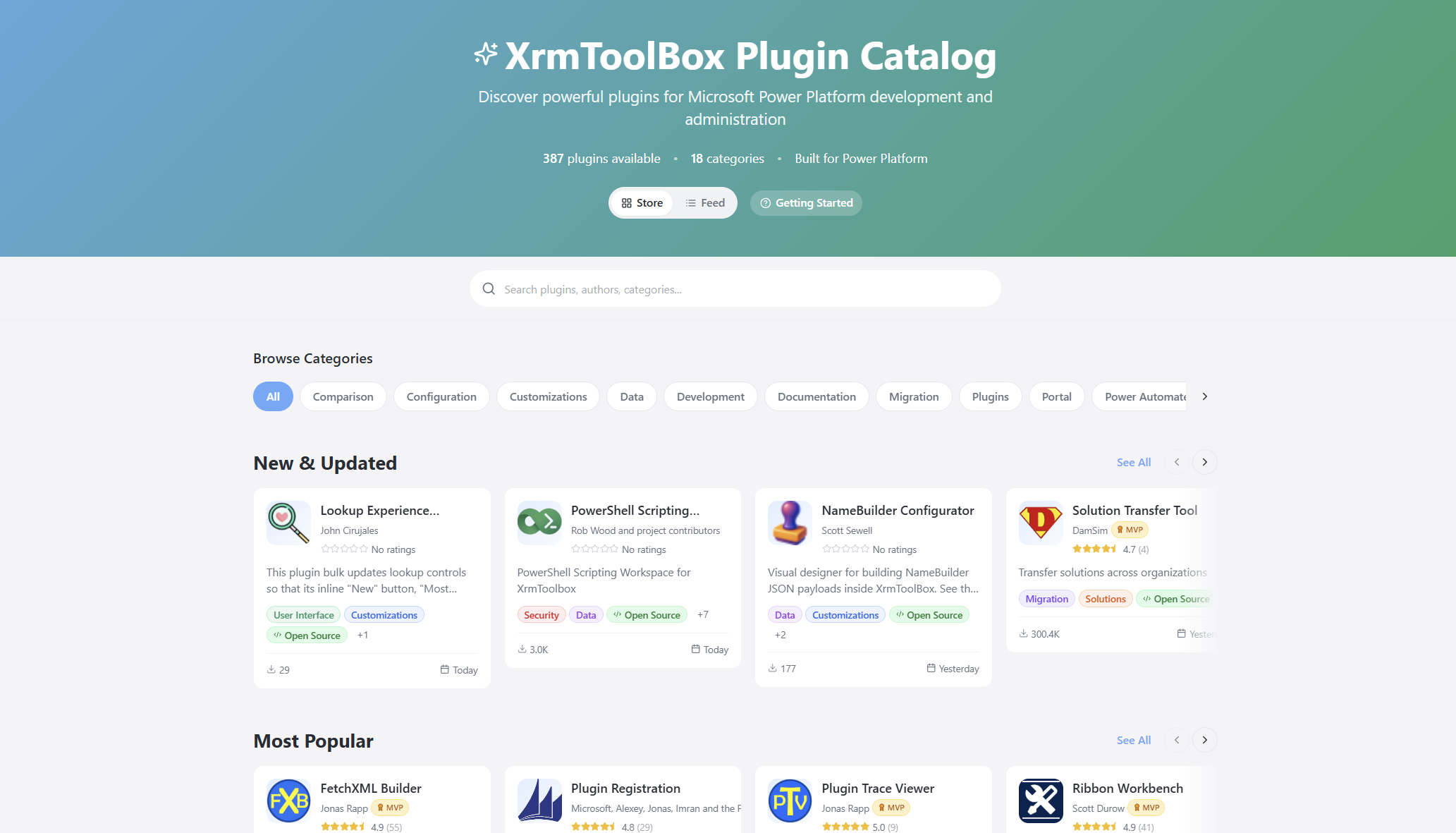
A modern site to browse and discover community tools for the Power Platform and Dynamics 365: XrmToolBox Plugin Catalog.
What more could be said about XrmToolBox that hasn’t already been posted online? The year is soon 2026 and XTB remains a critical part of Power Platform – built and maintained by the community.
One area where the long history of XrmToolBox reveals itself is in the user interface of the application itself. As well as the official website of xrmtoolbox.com that is built on a legacy version of Power Pages. Technically, all the information is there. In practice, the UX can be challenging – especially for newcomers to this ecosystem.
I wanted to see if I could do something about this. That’s how the XrmToolBox Plugin Catalog came to be:
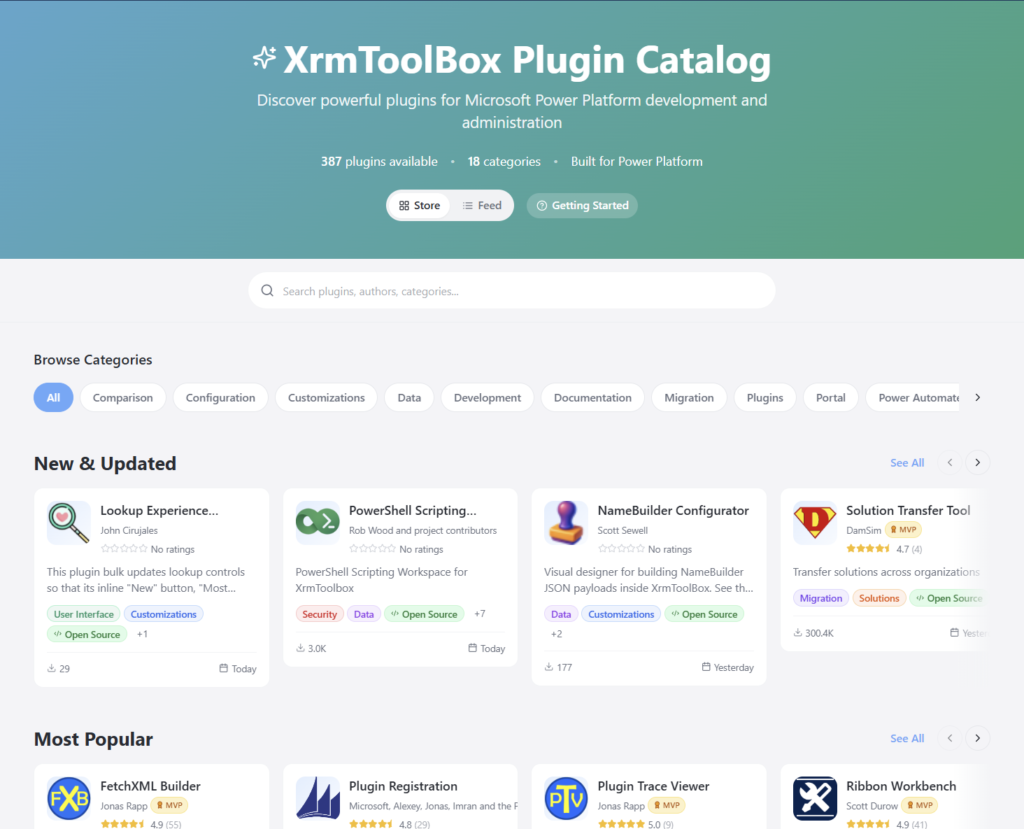
The live site URL is xrm.jukkan.com. In short, it’s a vibe-coded website on top of the list of 387+ XrmToolBox plugins that have been developed and published by various community members. You can browse by category, search by name/description/author, see the latest release notes, discover more plugins from the same author, and so on. There’s even a short getting started section for those who are new to XrmToolBox.
It’s worth noting that there’s no new data used here. All the dynamic information comes from the official Power Pages site of XrmToolBox, via one daily data sync of the Plugins table rows in Dataverse. The XrmToolBox Plugin Catalog is hosted on GitHub pages and the data is pulled via an OData feed using GitHub Actions. So, both are running on acquired Microsoft technology (Power Pages comes from Adxstudio Portals, GitHub comes from… GitHub).
It’s just the same data, presented in a different way. Visually, it’s a React-based site that behaves like you’d expect a website to behave today. But it’s not just about rounded corner boxes and gradients. It’s also about prioritizing content in a way that serves the user better. Such as the Top Charts that allow anyone to check the recently added or updated XrmToolBox plugins from the past 90 days:

I wrote about the launch of XrmToolBox Plugin Catalog in a recent newsletter issue. I didn’t want to repeat myself, yet I was interested in seeing an alternative format for describing the “what”, “how” and “why” of this initaitive. So, I gave the text to Google NotebookLM and asked it to create a presentation out of it. I think it did a pretty nice job:
XrmToolBox_A_New_Front_DoorThe site’s repo is on GitHub, obviously. You’re welcome to open an issue there if you encounter problems with the site or have ideas about improvements!
Oh, and don’t forget to support Tanguy Touzard and the makers of all the tools in the ‘Box. The Real Developers who have put in the hard work of writing all the code. Long before LLMs democratized code to such a level where I can today just prompt AI coding assistants and ask them to build pretty websites for me.



Nice job! – It’s clean, easy to use, and leverages the source data without obscuring it.
@Jukka Also a video intro to the XrmToolBox Plugin Catalog features for finding #PowerPlatform tools is now live:
https://www.youtube.com/watch?v=Q7WNtwmfepI
…And the award for the first Power Platform community tool update of 2026 in XrmToolBox Plugin Catalog goes to:
Plugin Trace Viewer by Jonas Rapp!!!🏆👏🎉
https://xrm.jukkan.com/store/charts?sort=updated
#PowerPlatform #Dynamics365 #XrmToolBox